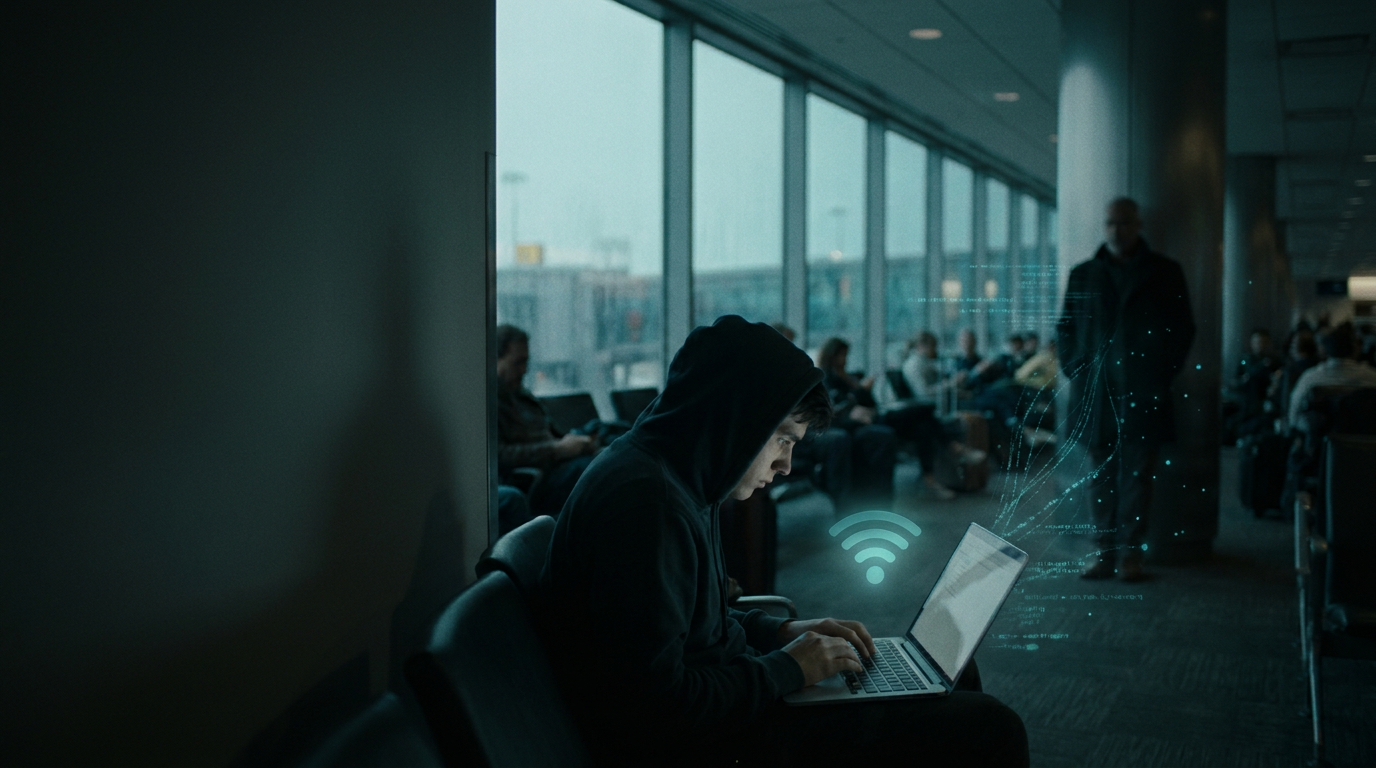
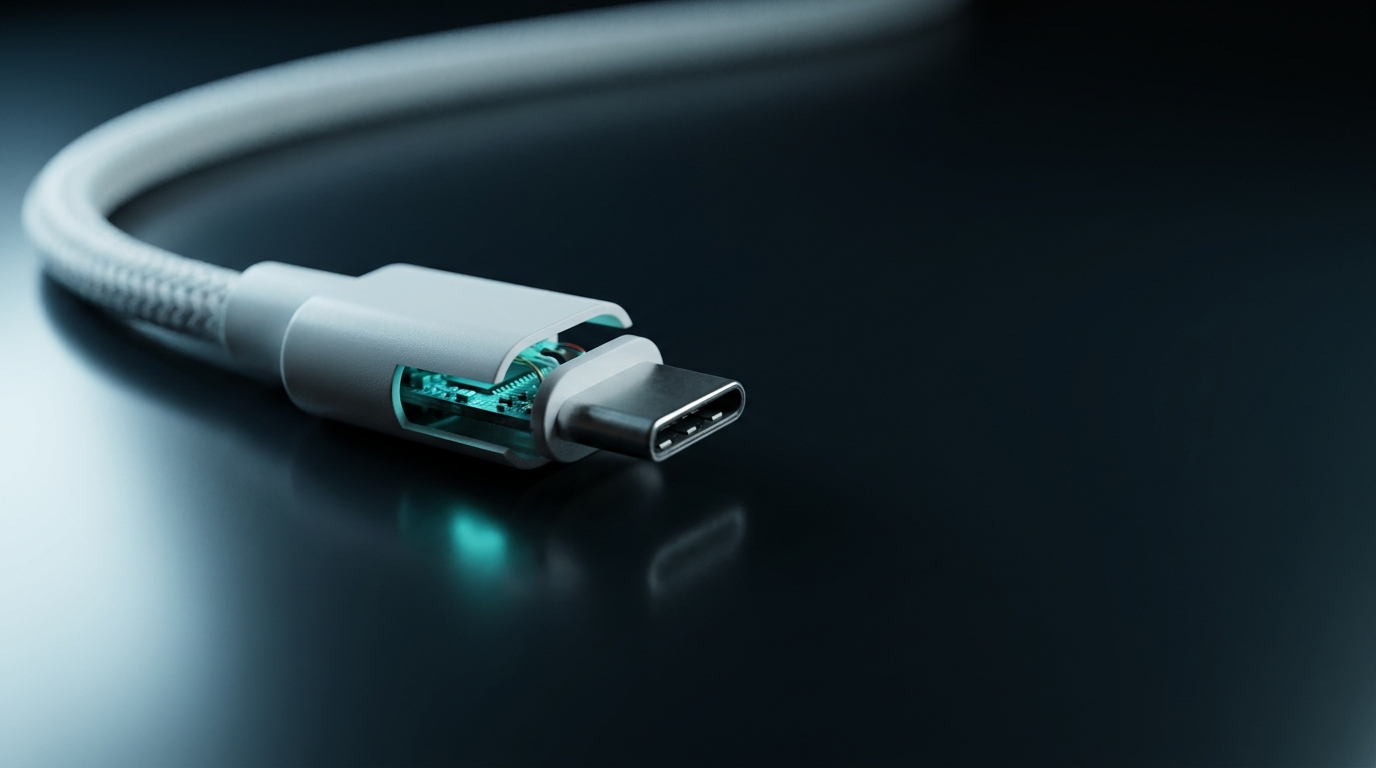
An O.MG cable is a malicious USB cable that looks identical to a normal Apple or USB-C charging cable, but contains a hidden microprocessor and Wi-Fi chip capable of logging keystrokes, injecting commands, and exfiltrating data to an attacker more than 200 feet away. It was built by security researcher Mike Grover (MG) and is sold by Hak5 for around $180 as a red-team tool. The problem: once one ends up in your laptop bag, on your hotel nightstand, or in a conference swag pile, your antivirus will not see it, and neither will you.
This guide is written for executives traveling internationally, journalists protecting sources, lawyers handling privileged material, and BYOD employees where a swapped cable could mean a full keystroke record of every password typed. We cover how the O.MG cable works, why it bypasses traditional defenses, and the protection checklist that actually stops it.
The single most reliable consumer defense is a hardware barrier between your device and any cable you did not personally buy. A USB data blocker physically severs the data pins inside the connector, leaving power flowing while making keystroke injection and data exfiltration impossible.
What is an O.MG cable?
The O.MG cable is a covert offensive security tool that emulates a USB human interface device (HID), meaning your computer treats it as a trusted keyboard the moment it is plugged in. Inside the USB connector housing, MG packed a microcontroller, flash storage, and a Wi-Fi access point. From the outside, the cable is visually almost indistinguishable from a genuine Lightning, USB-C, or USB-A cable. It charges. It syncs. And while it does, it runs payloads.
The cable was first demonstrated publicly at DEF CON in 2019, then evolved into the O.MG Elite, which adds keylogging, geofencing, and self-destruct features. What used to require a $20,000 nation-state implant now fits inside a $180 cable that anyone can buy online. That price drop is the part defenders should worry about most.
Who made it and is it legal?
Mike Grover designed the cable for legitimate red-team and penetration testing engagements. Hak5 sells it openly in the United States as a security research tool. Buying one is legal. Using one against a device you do not own or have permission to test is not, and falls under the Computer Fraud and Abuse Act. The legal status does not help you, though, because attackers willing to plant a cable in a hotel room are not worried about export controls.
How a malicious USB cable steals your data
A hacking USB cable like the O.MG attacks on two layers at once. First, it abuses the trust your operating system gives to keyboards. Second, it uses its own Wi-Fi radio to talk to the attacker without ever touching your network.
Keystroke injection
When you plug the cable into a Mac or PC, the OS enumerates it as a USB keyboard. The attacker, sitting within Wi-Fi range or connected to the cable's hotspot, opens a web interface and types commands. Those commands arrive at your machine as if you had typed them yourself: opening a terminal, downloading a payload, disabling security tools, or exfiltrating files to a remote server. There is no malware file for antivirus to scan, because the attack is literally just typing.
Keylogging and Wi-Fi exfiltration
The Elite version goes further. It logs keystrokes from the connected keyboard and stores them in onboard flash, then beacons them out over its own Wi-Fi when an attacker walks within range. Because the data leaves through a radio the cable carries with it, your corporate firewall, VPN, and endpoint detection never see the exfiltration. Reports indicate the cable can be controlled from over a mile away with the right antenna.
Why antivirus does not catch it
There is no executable to flag. The cable presents itself as a keyboard, which every operating system trusts by default. Endpoint detection and response tools can be configured to alert on new HID devices, but most consumer machines and a surprising number of corporate laptops will accept a new keyboard silently. This is the same trust gap that makes juice jacking attacks effective at public USB ports.
Realistic threat scenarios
The O.MG cable is not a theoretical risk. The places it shows up are the same places business travelers and remote workers operate every week.
- Hotel rooms. A cleaning staff swap or a quick pre-arrival visit replaces the cable on the nightstand. You plug your phone in to charge while you sleep. The cable logs every PIN, password, and message you type for the next three days.
- Airports and lounges. A cable left on a charging counter, labeled with an airline logo, looks like lost property. A traveler picks it up to top up a laptop before a flight.
- Conference swag and gifts. Branded cables handed out at trade shows. Free samples mailed to executives. A gift from a vendor at a procurement meeting.
- Coworking spaces. Shared charging stations and cables left at hot desks. A 30-second cable swap during a coffee run.
- Rental cars and offices. Pre-positioned in vehicles assigned to specific targets, or planted in a meeting room before a sensitive negotiation.
The common thread: you cannot tell the cable is malicious by looking at it. iFixit's teardown comparison shows the differences between an O.MG and a real Apple cable come down to millimeter-level seam placement and the texture of the connector housing. Nobody is going to spot that in an airport.
How to spot a malicious USB cable
Honest answer: most people cannot, and the manufacturer designed it that way. There are a few tells, but treat them as low-confidence checks rather than guarantees.
Visual inspection (limited value)
- Compare weight: O.MG cables are slightly heavier due to the microcontroller and antenna in the connector.
- Examine the connector housing for asymmetric seams, slightly thicker plastic, or unusual finish.
- On Lightning versions, the metal contacts may show subtle color or finish differences from genuine Apple cables.
None of these are reliable. The Elite version is specifically engineered to defeat visual inspection.
Wi-Fi scan
When the cable is plugged in, it broadcasts a Wi-Fi network or attempts to join a known one. Scanning for unfamiliar SSIDs near your device can occasionally surface one, but attackers configure stealthier modes for real operations.
Hardware detector
Hak5 ironically sells a Malicious Cable Detector that flags cables with extra circuitry. It is the most reliable consumer-level check, but it requires you to test every cable before use, which is operationally unrealistic for most travelers.
How to protect yourself from O.MG cables and other hacking USB cables
Detection is hard. Prevention is straightforward if you accept one rule: assume every cable you did not personally buy and unbox is compromised. Build your defenses around that assumption.
1. Carry your own cables, always
Buy charging and sync cables directly from Apple, Anker, Belkin, or another reputable manufacturer through their official channels. Label them. Use only these cables. Refuse loaner cables from hotels, vendors, and conference organizers. This single habit eliminates the majority of the attack surface.
2. Use a USB data blocker when charging from anything else
A USB data blocker is a small hardware adapter that sits between your cable and the charging port. It physically severs the data pins inside the connector, leaving only the power pins connected. With a data blocker in line, an O.MG cable plugged into a wall charger can still deliver power to your phone, but it cannot inject keystrokes or talk to your device over USB. The companion explainer on how USB condoms protect your devices walks through the engineering in more detail.
One limit to understand: a data blocker protects you when the suspect element is the cable connected to a power source. If the malicious cable is between your phone and your own laptop (because you need to sync), a blocker will also block the sync. For pure charging scenarios, it is the simplest and most reliable defense available.
3. Use charging-only cables for travel
Charging-only cables have the data lines physically omitted at the factory. They can never carry data, period. Pair them with your own wall charger and you have a closed system that no malicious cable can join.
4. Lock down USB ports on sensitive endpoints
On corporate laptops, configure your endpoint management to require approval for new HID devices, or to disable USB ports entirely outside of approved peripherals. macOS and Windows both support policy-level restrictions on USB device classes. This is the single most effective enterprise control against keystroke injection.
5. Treat gifted and found cables as hostile
Any cable handed to you by a stranger, found on a desk, included in unsolicited packaging, or pre-positioned in a hotel room belongs in the trash, not in your laptop. The cost of replacing a cable is a few dollars. The cost of a compromised executive laptop is everything on it.
O.MG cables vs juice jacking: how they differ
Both attacks abuse USB trust, but they work differently. Juice jacking compromises the charging port itself, planting malware or stealing data through a modified public USB outlet. The O.MG cable moves the malicious hardware into the cable, which is more dangerous because cables travel with you, sit unattended in hotel rooms, and get swapped without notice.
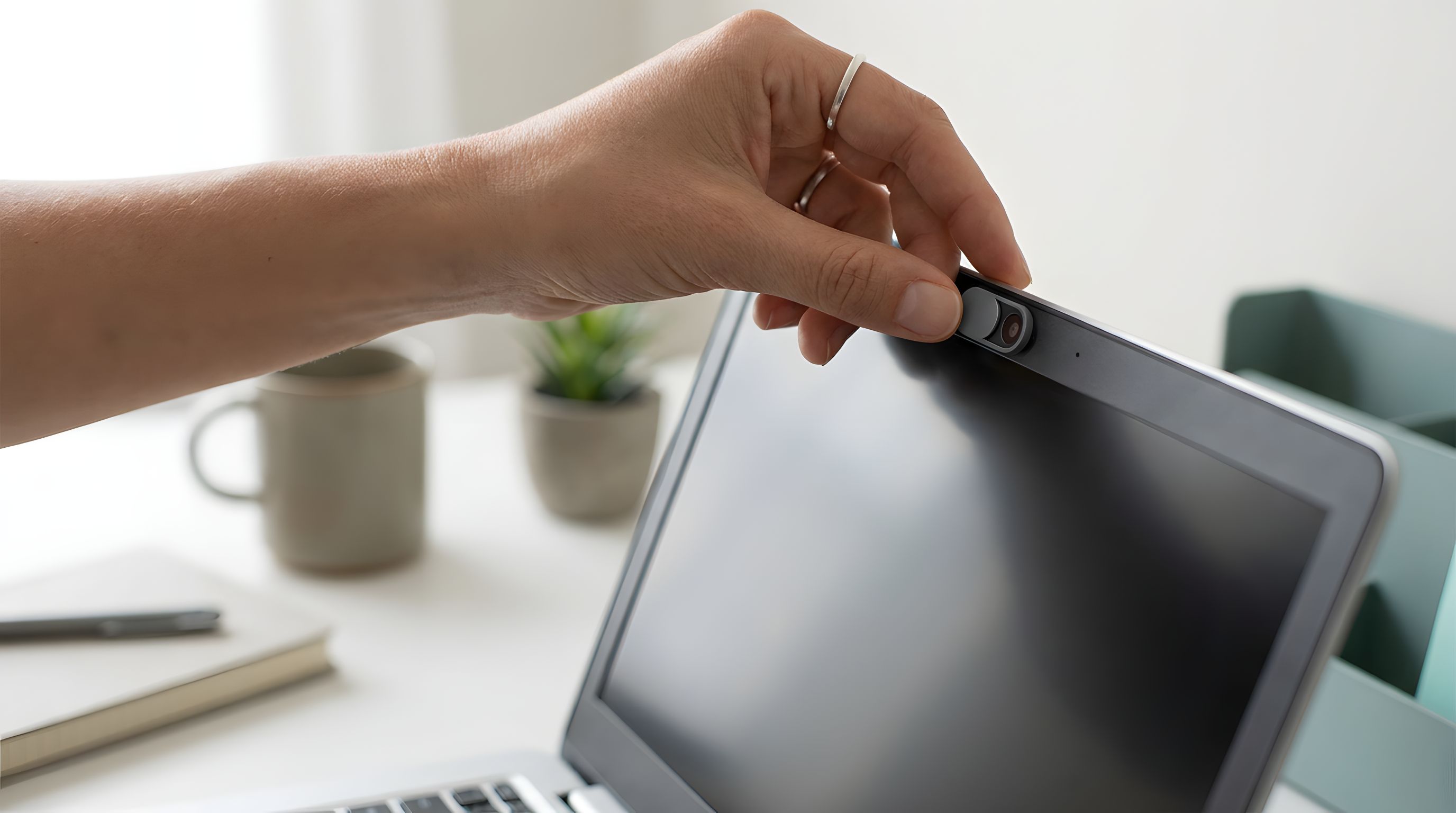
A USB data blocker defends against both. By breaking the data pins on whichever side it sits, it neutralizes a compromised port and a compromised cable simultaneously. That is why it deserves a permanent spot in any traveler's kit alongside a webcam cover and an RFID-blocking card.
The bottom line on malicious USB cables
The O.MG cable proved something the security community already suspected: covert hardware implants are no longer a nation-state luxury. For under $200, anyone can buy a cable that performs keystroke injection, keylogging, and wireless exfiltration while looking and behaving like a normal charger. Antivirus will not catch it. Visual inspection is unreliable. The only durable defenses are physical: use cables you personally bought, put a data blocker between your device and anything else, and treat unknown cables as the surveillance tools they may well be.
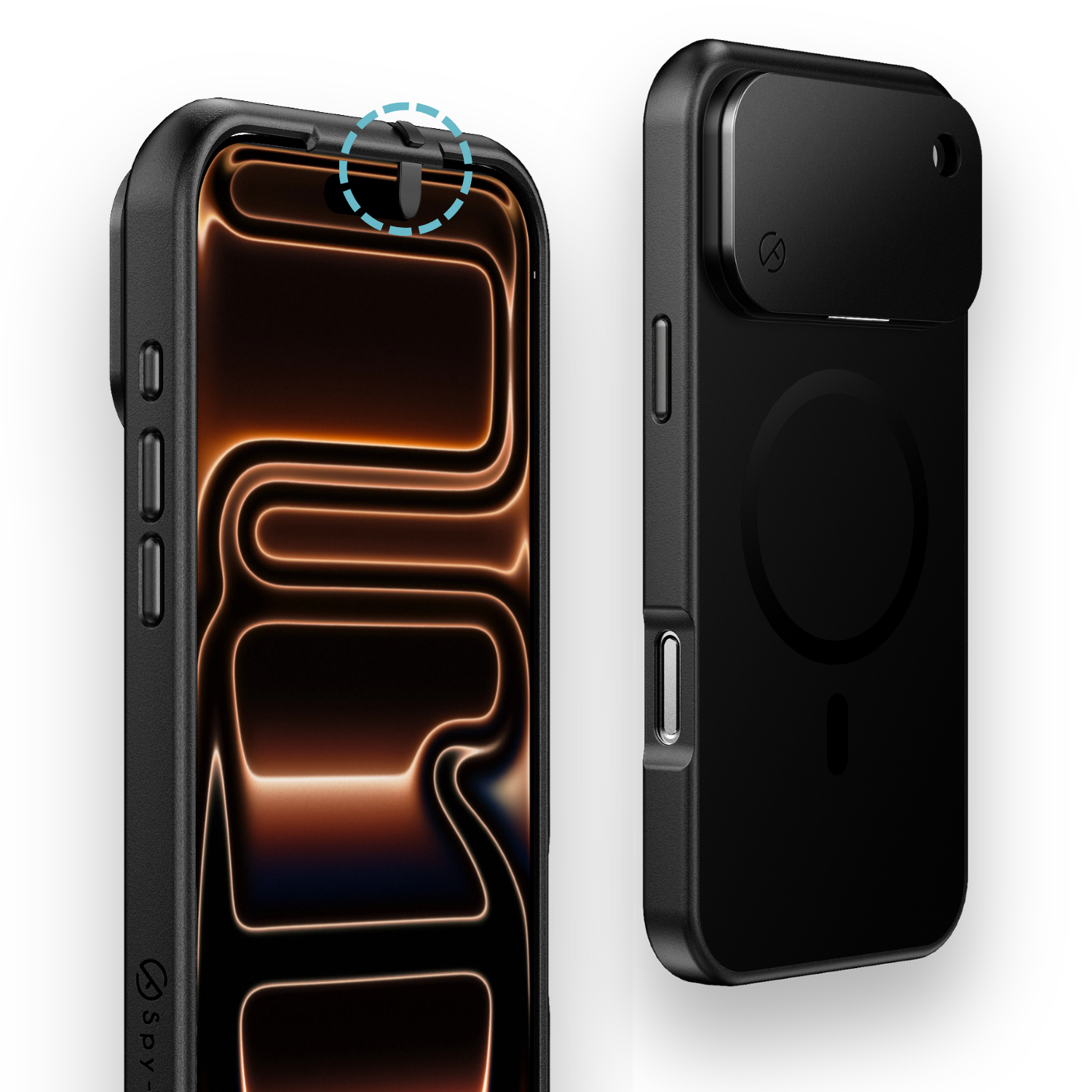
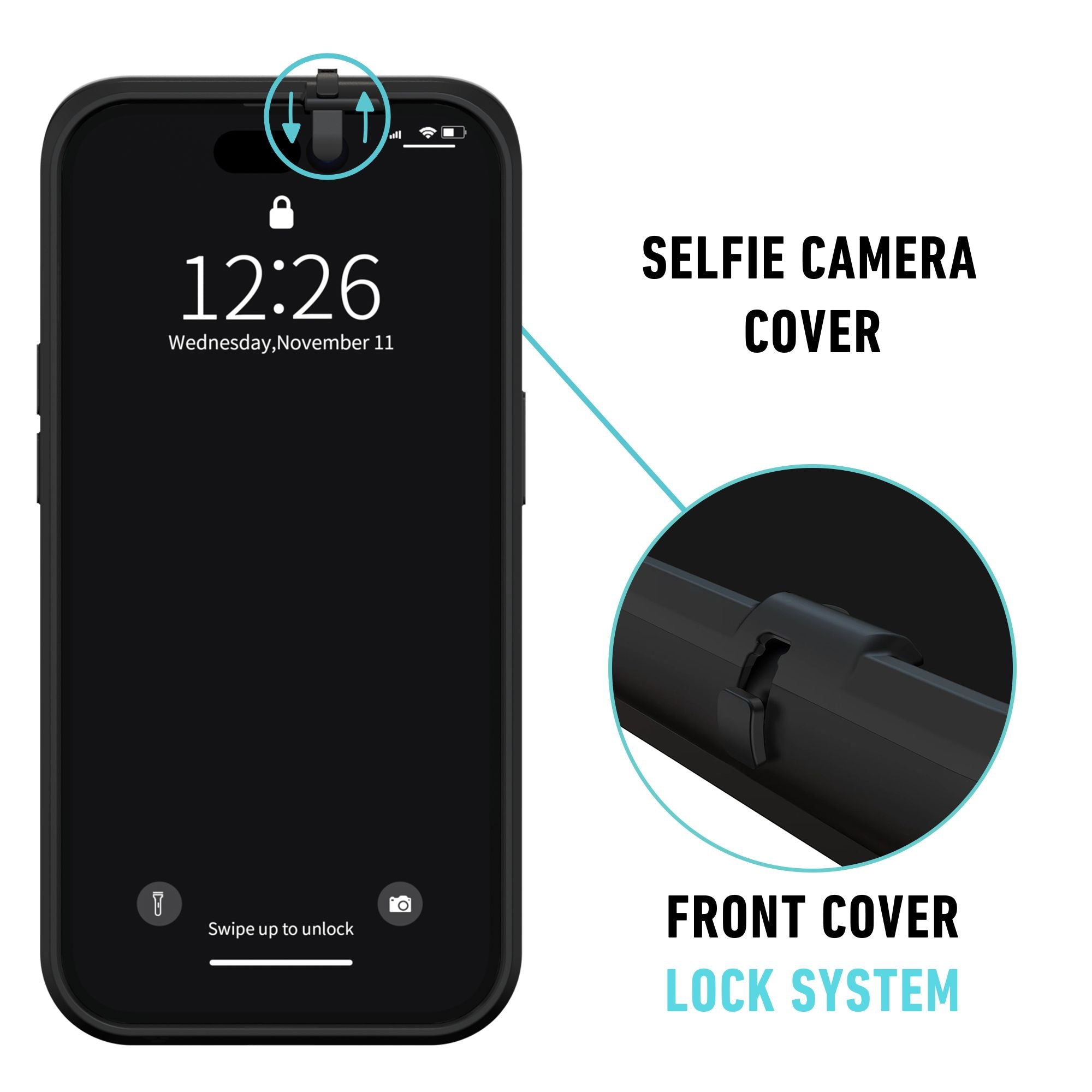
If you travel, work in shared spaces, or handle information that an attacker would pay to read, build the habit now. Add the Spy-Fy USB data blocker 3-pack to your keychain, laptop bag, and travel pouch. It is the lowest-friction control with the highest payoff against the entire family of malicious USB cable attacks.