Stalkerware is commercial monitoring software installed on someone's phone without their knowledge or consent. Once active, it can read messages, track GPS location, record calls, capture keystrokes, and activate the camera or microphone remotely. Unlike criminal spyware built for espionage, stalkerware is sold openly, often marketed as a "parental control" or "employee monitoring" tool, and it is one of the most common technology-facilitated abuse tools reported by domestic violence hotlines.
This guide is written for people who suspect their phone is compromised, especially domestic abuse survivors, journalists protecting sources, executives handling sensitive deals, and healthcare workers with patient data on their devices. It covers detection steps for both iOS and Android, safe removal, and how to reduce the risk of reinfection. If you believe you are in physical danger, stop reading and contact a trained advocate before you touch the device, because removing stalkerware can alert the person monitoring you.
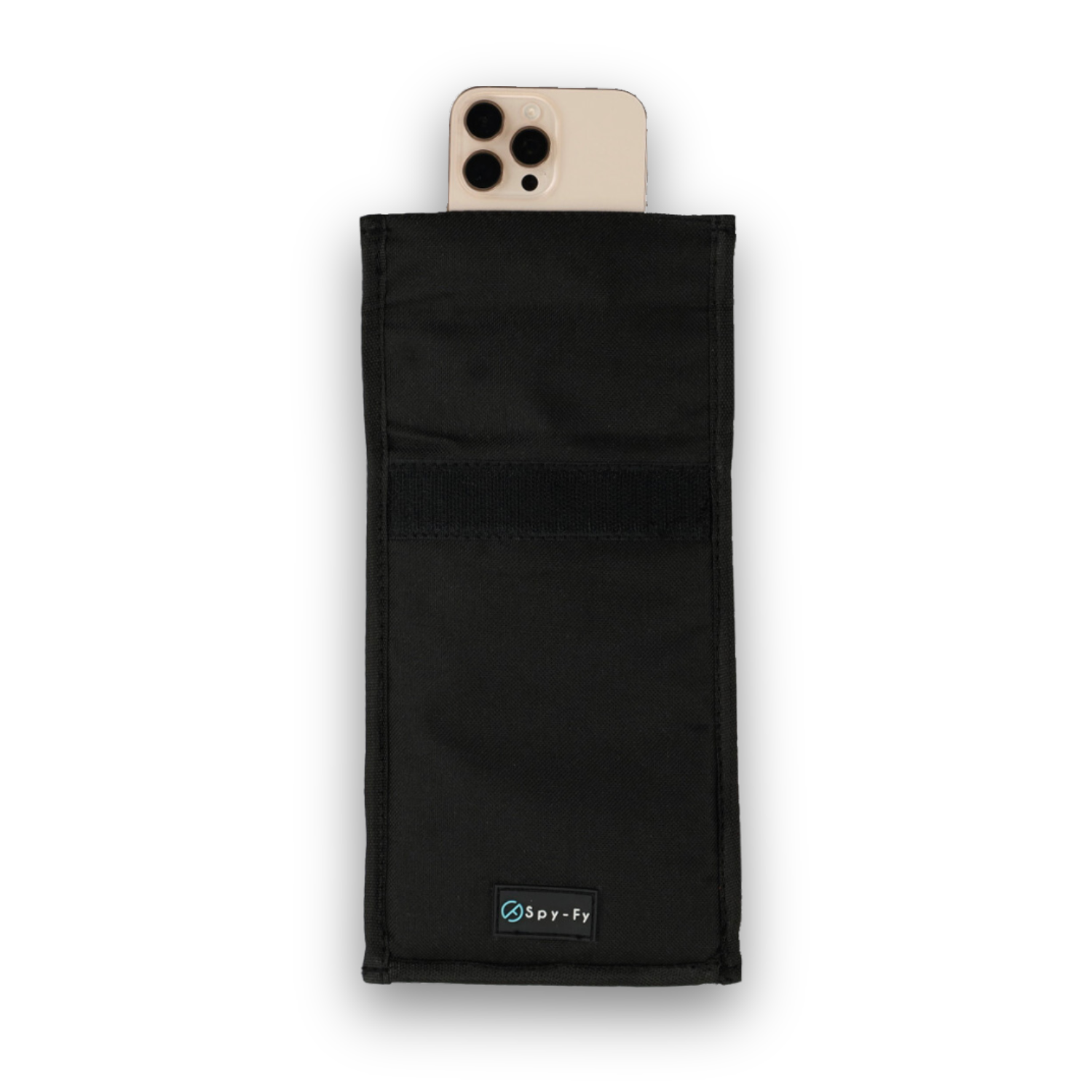
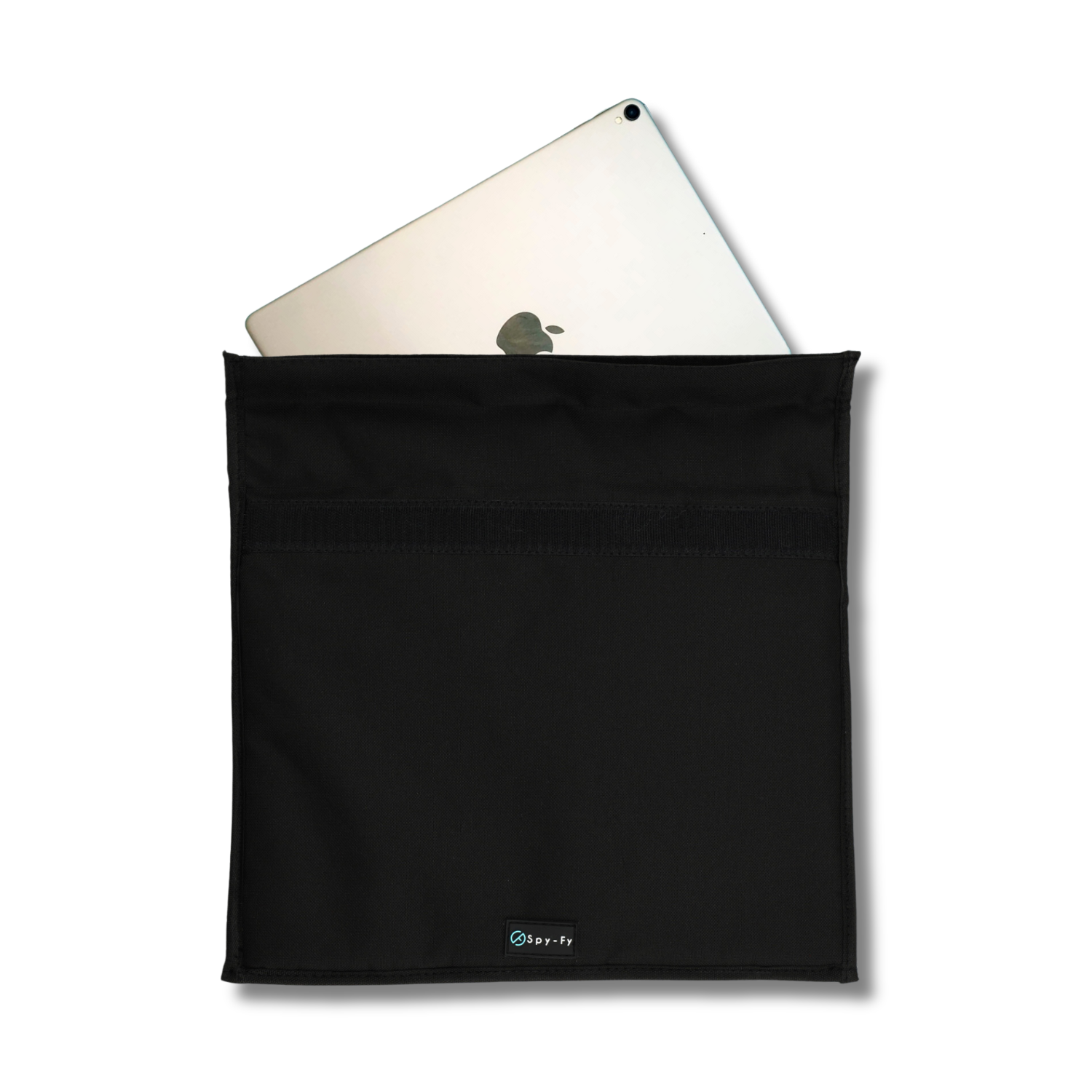
Physical device security is one layer of a broader defense. Camera and microphone covers, hardened cases, and data-blocking accessories from the Spy-Fy privacy cases collection add a physical barrier that no software attack can bypass.
What stalkerware actually is
Stalkerware is a category of consumer-grade spyware sold to individuals rather than governments or corporations. The Coalition Against Stalkerware defines it as software that enables one person to secretly monitor another person's private life via their mobile device. It is legal to sell in most jurisdictions but almost always illegal to use against an adult without their consent.
Common capabilities include:
- Real-time GPS location tracking
- Access to SMS, WhatsApp, Signal, iMessage, and email
- Call recording and call log capture
- Remote activation of camera and microphone
- Keystroke logging and screenshot capture
- Access to photos, contacts, and browser history
The data is sent to a web dashboard the installer logs into. Well-known families include mSpy, FlexiSpy, Cocospy, Hoverwatch, and Spyzie. AV-Comparatives publishes an annual Stalkerware Test tracking how well mobile security tools detect these apps, and the 2025 results confirmed that detection rates vary widely between vendors, which is why manual checks matter.
Stalkerware vs spyware vs parental control apps
These three categories overlap in code but differ sharply in intent and disclosure. Understanding the difference matters because it changes both the legal picture and the removal approach.
| Category | Who installs it | Consent | Visibility on device |
|---|---|---|---|
| Stalkerware | Intimate partner, family member, employer acting covertly | None, hidden from user | Icon hidden or disguised |
| Spyware (criminal) | Cybercriminals, nation-state actors | None, delivered via exploit | Fully invisible, no icon |
| Parental control apps | Parent for a minor child | Legally granted by guardian | Visible icon, disclosed use |
The Federal Trade Commission has taken enforcement action against stalkerware vendors that marketed products for covert use, including a 2019 case against Retina-X and a 2021 settlement with SpyFone. Selling monitoring software is not automatically illegal in the US, but marketing it for covert surveillance of adults is.
How stalkerware gets on a phone
The overwhelming majority of stalkerware infections require physical access to the target device. Someone who knows your passcode, or gets a few minutes alone with an unlocked phone, can install a monitoring app in under ten minutes.
On Android, the installer typically enables installation from unknown sources, downloads the app from the vendor's website, grants accessibility and device admin permissions, and hides the icon. On iOS, stalkerware installation almost always requires either the Apple ID and password (to monitor via iCloud backups), a jailbroken device, or Mobile Device Management (MDM) profile abuse.
Remote installation without physical access is rare and usually requires either credential compromise, a phishing link that installs a configuration profile, or nation-state grade exploits like Pegasus, which are not the same category as consumer stalkerware. If you suspect you are targeted at that level, seek help from a specialist rather than a general guide.
Signs your phone may have stalkerware
No single symptom is proof, but a cluster of the following behaviors is a strong warning signal. Modern stalkerware is designed to be invisible, so behavioral clues often appear before any icon does.
- Battery drains noticeably faster than it did a few months ago
- The phone runs warm even when idle
- Mobile data usage spikes without a change in your habits
- The screen lights up briefly when you are not using it
- You see unfamiliar apps, profiles, or device administrators
- Settings you did not change have changed (unknown sources enabled, accessibility permissions granted to apps you do not recognize)
- The person you suspect knows things they should not, such as your location, private conversations, or plans made only over encrypted messages
The last point is the most reliable. Battery drain has many causes; a partner quoting a text you sent to your lawyer does not.
How to detect stalkerware on iPhone
iOS is a harder target for stalkerware than Android, but not immune. Work through these checks in order.
1. Check for a Mobile Device Management profile
Go to Settings, General, then VPN & Device Management. On a personal iPhone, this section should be empty or list only profiles you recognize (a work profile, a VPN you installed). Any unknown profile is a red flag and should be removed after you have consulted a safety advocate.
2. Review which apps have Full Disk Access, Location, Microphone, and Camera
Under Settings, Privacy & Security, audit each permission category. Look for apps you do not recognize or apps with permissions that do not match their purpose (a flashlight app with microphone access, for example).
3. Check Apple ID sessions
Go to Settings, tap your name at the top, and scroll to the list of devices signed in to your Apple ID. Remove any device you do not own. Then change your Apple ID password and enable two-factor authentication if it is not already active.
4. Look for signs of jailbreak
Apps like Cydia, Sileo, or Zebra are jailbreak package managers. If any are present, the phone has been jailbroken, which is a strong indicator of tampering. A full factory reset and restore from a clean backup is the recommended response.
How to detect stalkerware on Android
Android's openness makes it the primary target for stalkerware. The upside is that the evidence is usually easier to find.
1. Check installed apps, including system apps
Go to Settings, Apps, and enable "Show system apps" in the filter menu. Look for anything named vaguely (System Service, Update Service, WiFi Helper) that you did not install. Cross-reference suspicious names against the Coalition Against Stalkerware's known-app lists.
2. Audit device administrators and accessibility services
Under Settings, Security, Device admin apps, review which apps have administrator privileges. Under Settings, Accessibility, review which services are enabled. Stalkerware almost always requires accessibility access to read screen content across other apps.
3. Check if Google Play Protect is disabled
Open the Play Store, tap your profile icon, then Play Protect. If it is turned off and you did not turn it off, someone else did, most likely to install sideloaded stalkerware without warnings.
4. Run a reputable anti-stalkerware scanner
Malwarebytes, Kaspersky, Lookout, and Bitdefender all participate in Coalition Against Stalkerware detection standards. Install one from the Play Store and run a full scan. Independent AV-Comparatives testing shows detection rates vary, so a clean scan from one tool is not definitive proof.
Safe removal, especially if you fear retaliation
This is the most important section of this article. Removing stalkerware suddenly can alert the person monitoring you, and in domestic abuse situations this can escalate danger.
Before you touch anything:
- If you are in an abusive relationship, contact the National Domestic Violence Hotline (1-800-799-7233 in the US) or the Safety Net project at NNEDV. They have trained tech safety advocates who can help you plan.
- Document what you find with photographs of the phone screen using a separate camera, not screenshots (which stalkerware may capture).
- Consider whether you want to preserve evidence for law enforcement before removing anything.
When you are ready to remove:
- The most reliable method is a full factory reset followed by setting up the phone as new, not restoring from a backup that may contain the malicious profile.
- Change every password from a different, trusted device. Start with your Apple ID or Google account, then email, then everything linked to those accounts.
- Enable two-factor authentication using an authenticator app, not SMS, since SMS can be intercepted if someone has SIM control.
- Replace the SIM card if you suspect SIM-level compromise.
Preventing reinfection
Software hygiene stops software attacks. Physical countermeasures stop the rest. A layered approach works best.
On the software side: use a passcode of at least six digits (ideally alphanumeric), never share it, enable biometric unlock, keep the OS updated, and audit app permissions monthly. On iOS, keep "Install Unknown Apps" off; on Android, leave Play Protect on.
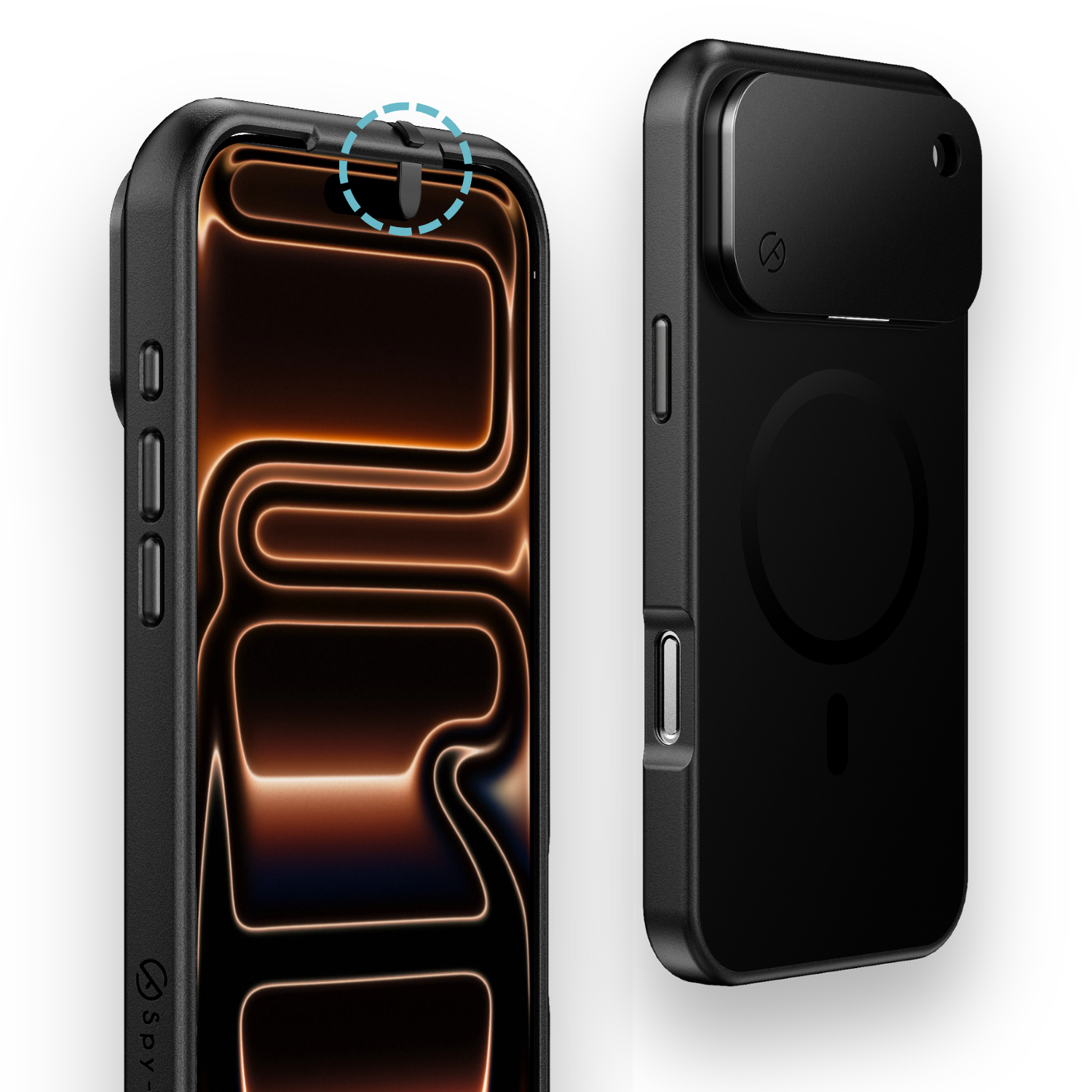
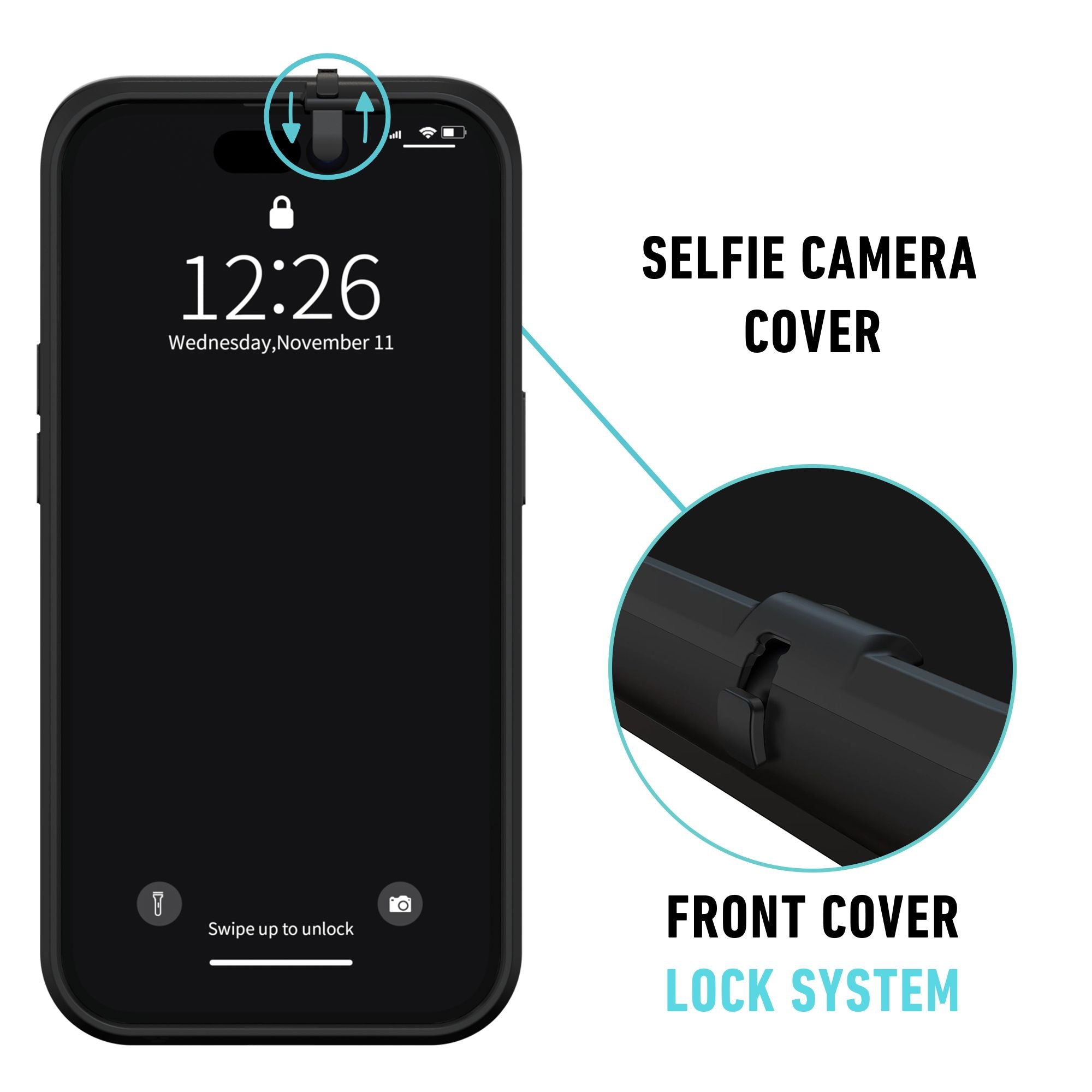
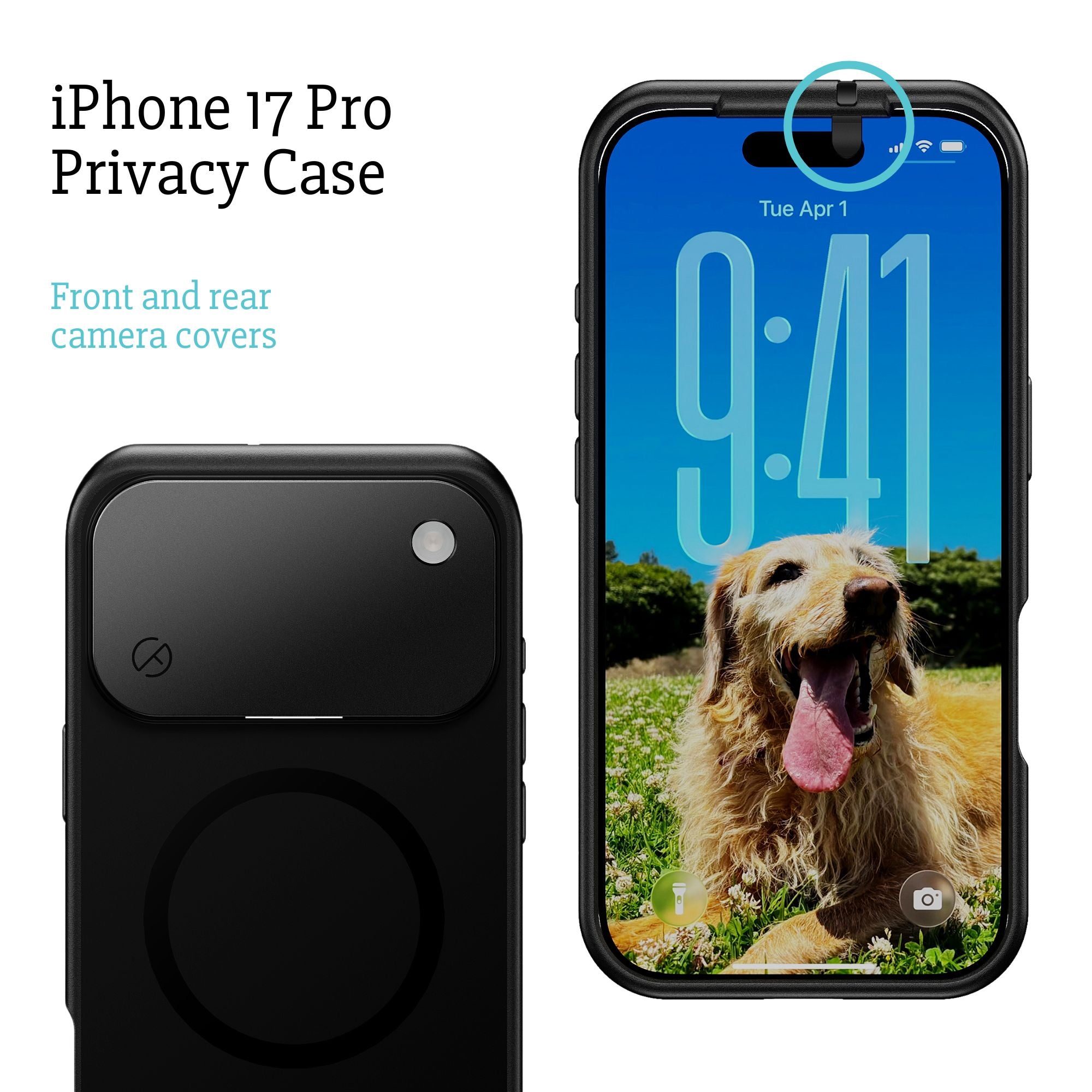
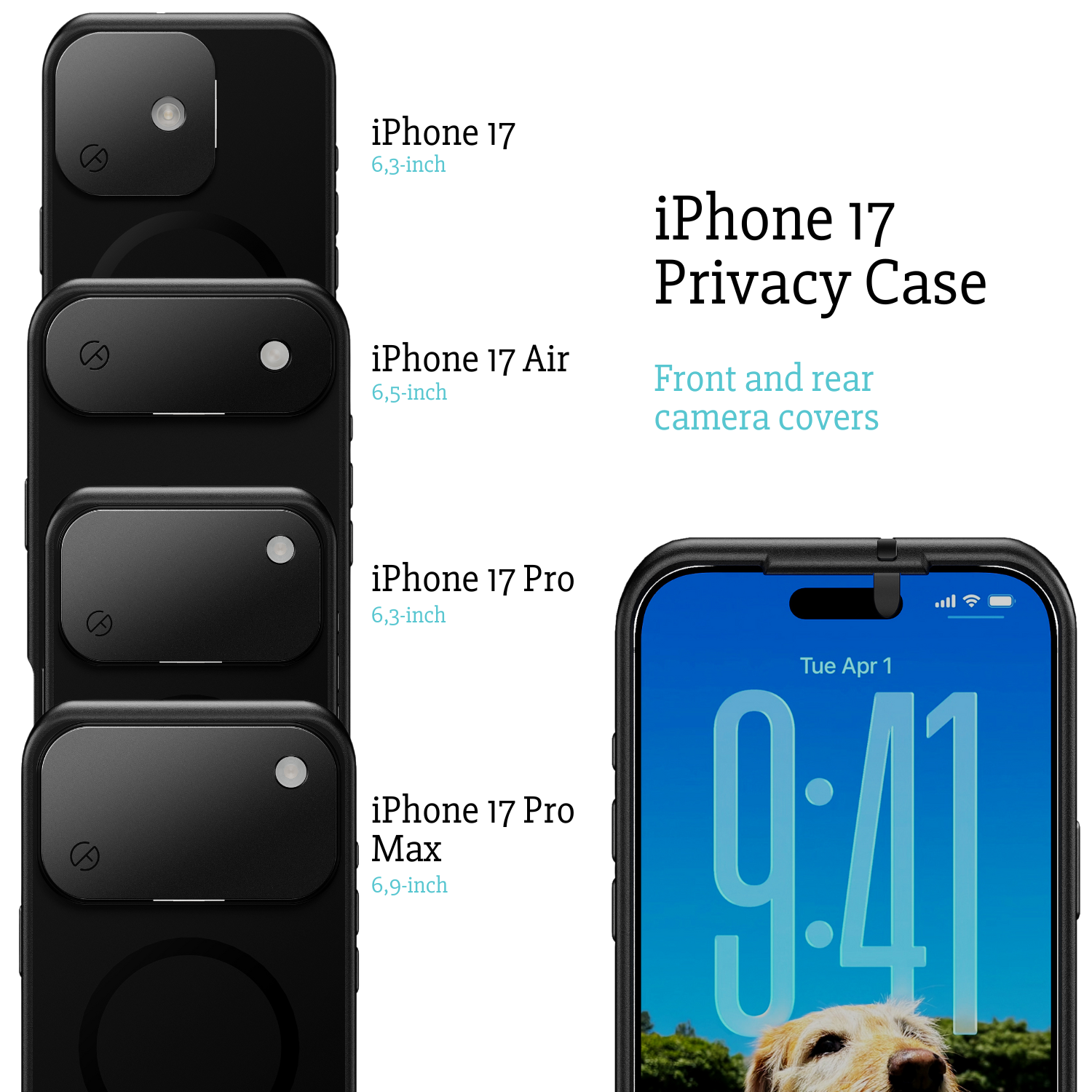
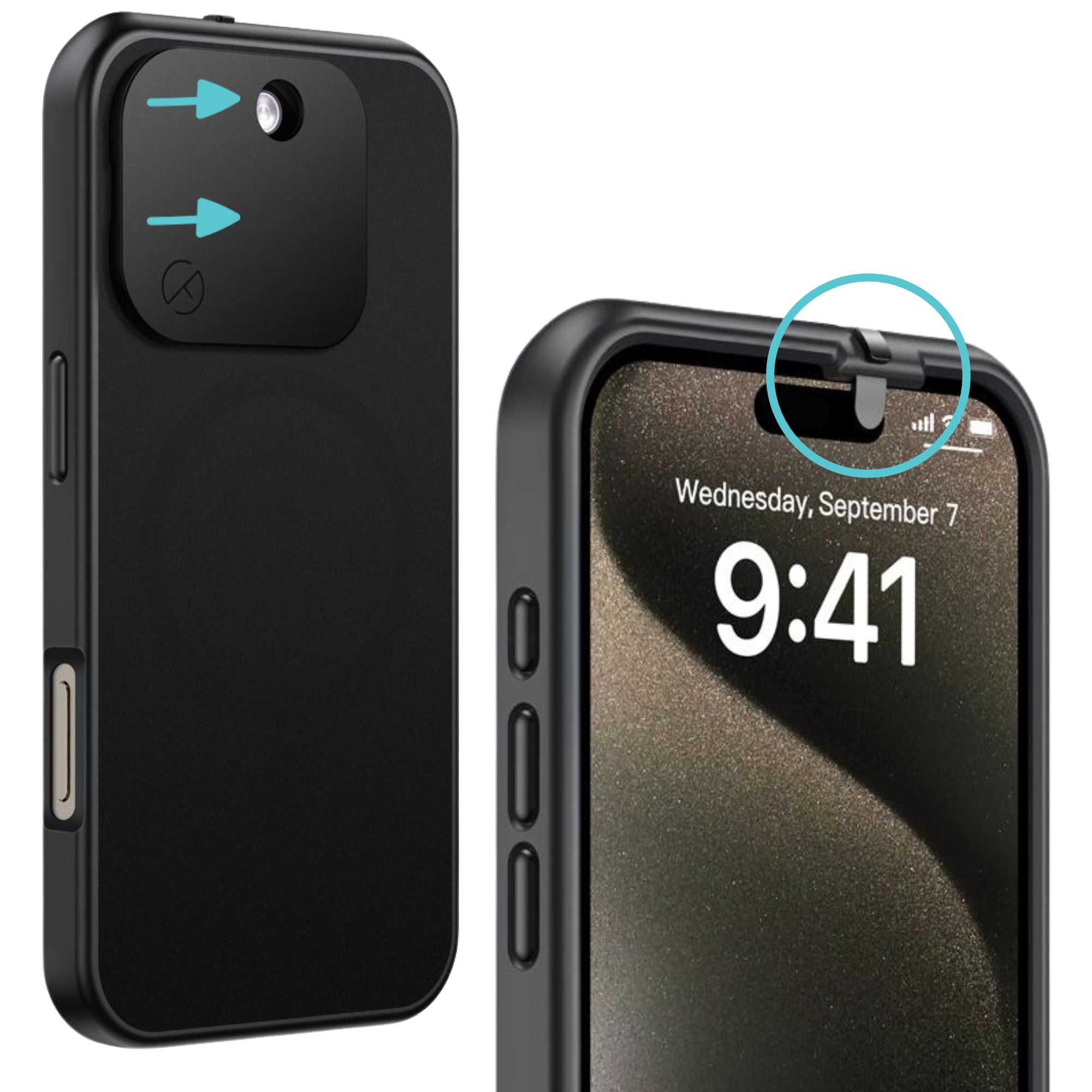
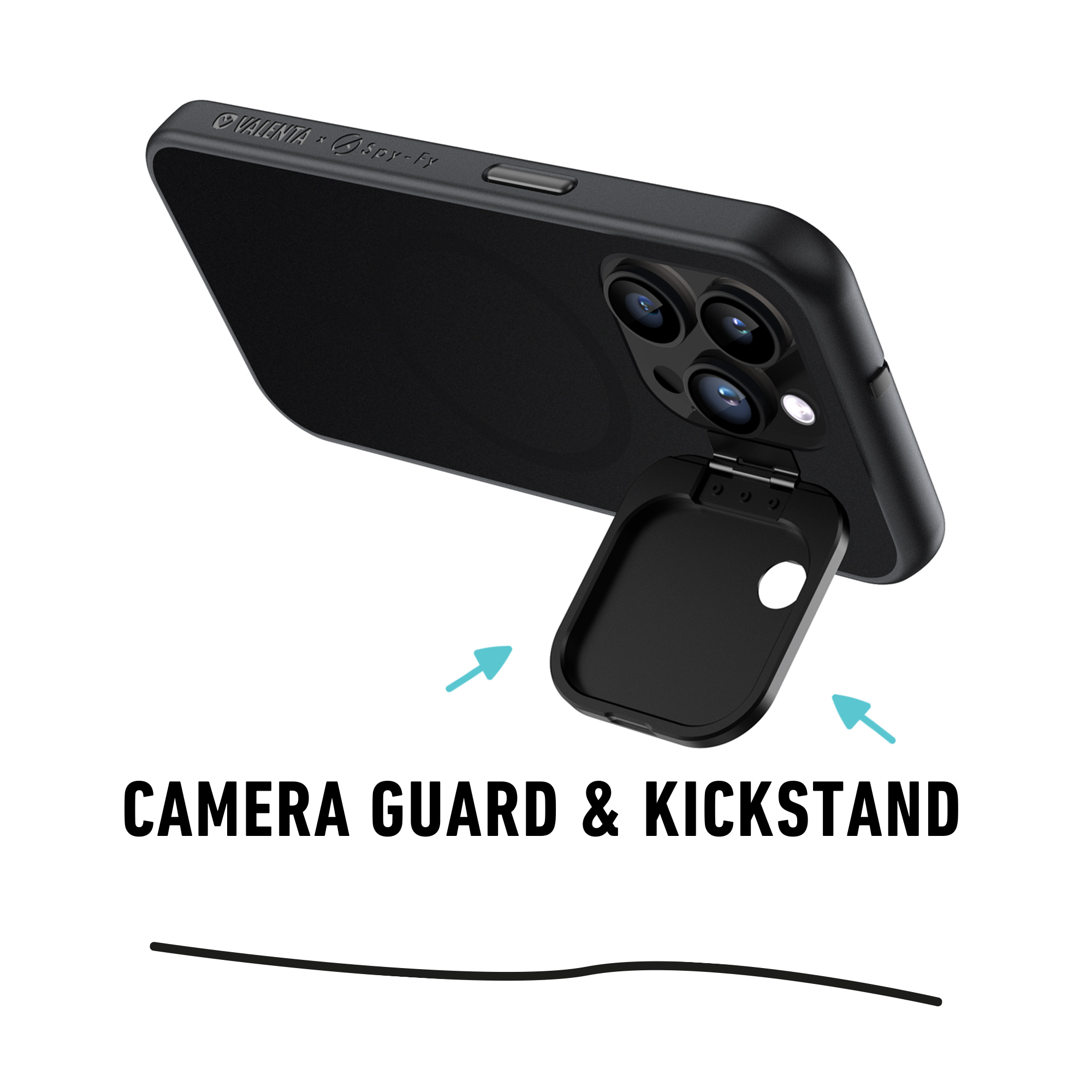
On the physical side, stalkerware's most invasive capabilities (camera and microphone activation) are neutralized by a physical cover. A closed shutter cannot be opened by software, no matter what permissions an app has. The iPhone 16 Privacy Case and the newer iPhone 17 Privacy Case both include sliding front and rear camera covers built into the case, so protection is always on the phone rather than a separate accessory that can be forgotten.
For travel or shared-charging environments, add a data blocker from the Spy-Fy privacy cables collection, which prevents "juice jacking" attacks where a malicious charging port attempts to install monitoring software over USB.
The legal picture in the United States
Installing stalkerware on an adult's device without their consent violates several US federal laws, including the Computer Fraud and Abuse Act and the Electronic Communications Privacy Act. Many states have additional wiretapping and stalking statutes. The FTC has settled multiple cases against stalkerware vendors, forcing them to notify users when the software was installed and to stop marketing covert use.
If you have found stalkerware on your device, you can report it to the FBI's IC3 (ic3.gov), the FTC (reportfraud.ftc.gov), your state attorney general, and local law enforcement. A domestic violence advocate can help you decide which reports serve your safety plan.
The bottom line
Stalkerware is a real, common, and technically simple threat that lives in the gap between consumer software and criminal spyware. Detection depends on knowing what to look for, and safe removal depends on planning before you act, especially if the person who installed it lives with you or has access to your home.
Digital privacy is the first layer. Physical privacy is what stops a compromised device from becoming a camera and microphone in your pocket. Browse the full Spy-Fy privacy cases collection to add hardware-level protection that no monitoring app can override, or start with the iPhone 17 Privacy Cases lineup; the case for the current iPhone 18 Pro and Pro Max is available to pre-order.