Lockdown Mode is Apple's optional extreme protection setting that hardens an iPhone, iPad, or Mac against sophisticated cyberattacks. Introduced in iOS 16, it strips away or restricts features that attackers commonly exploit, including message attachments, certain web technologies, wired accessory connections, and shared albums. Apple designed it for a narrow audience: journalists protecting sources, human rights activists, executives handling sensitive deals, government employees, and anyone who has reason to believe they may be targeted by state-sponsored mercenary spyware like Pegasus.
Most iPhone users will never need Lockdown Mode. But for the people who do, understanding exactly what it protects against, and what it does not, is the difference between a false sense of security and a real defense.
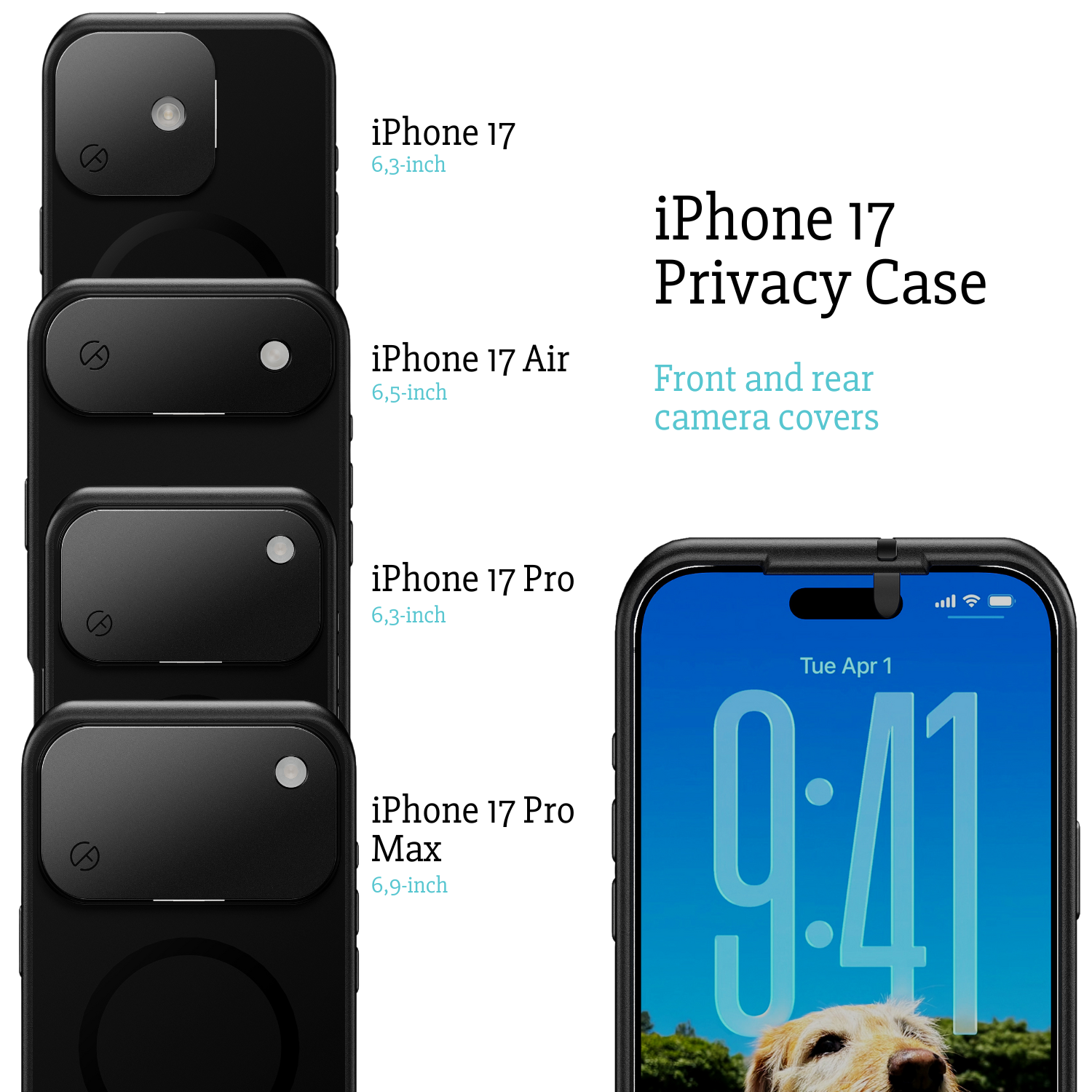
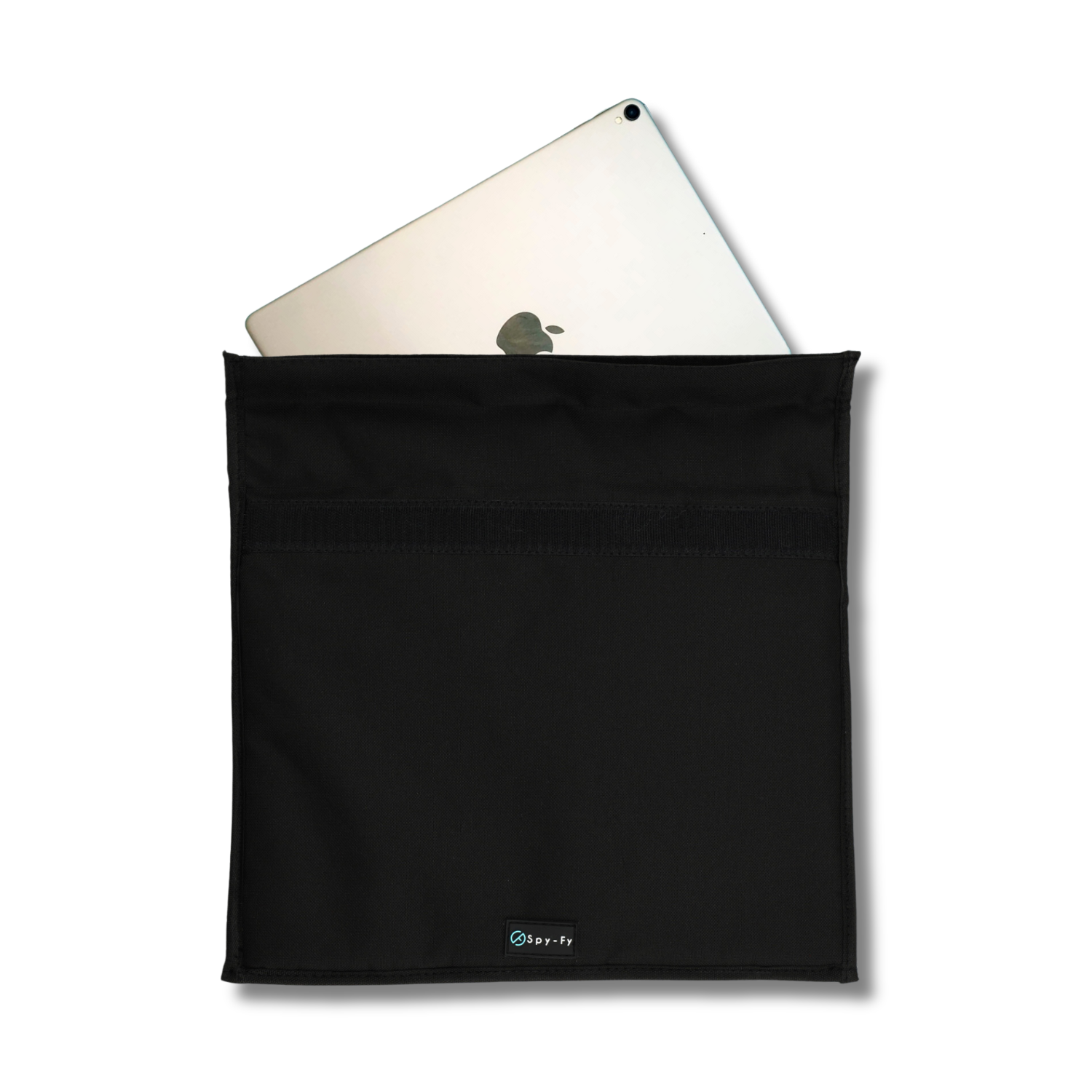
This guide breaks down what Lockdown Mode does on your device, which threats it stops, which it misses entirely, and how it fits alongside physical privacy tools like the Spy-Fy privacy case collection that block camera and hardware level surveillance no software setting can address.
What Lockdown Mode actually does
Lockdown Mode disables or restricts iPhone features that attackers have historically used to deliver spyware through zero-click and one-click exploits. When enabled, the operating system enforces stricter rules across Messages, Safari, FaceTime, wired connections, and configuration profiles. The goal is to shrink the attack surface, meaning fewer places where a piece of malicious code can even attempt to run.
Specifically, Lockdown Mode blocks most message attachment types other than images, disables link previews, turns off just-in-time JavaScript compilation in Safari for sites you have not excluded, blocks incoming FaceTime calls from people you have never called, blocks wired connections to a computer or accessory when the iPhone is locked, and prevents the installation of configuration profiles or enrollment in mobile device management.
These restrictions matter because mercenary spyware campaigns documented by Citizen Lab and Amnesty International have relied on exactly these vectors. A single crafted iMessage or FaceTime invite has been enough to compromise a device without the target tapping anything. Lockdown Mode closes those specific doors.
Who should turn on Lockdown Mode
Lockdown Mode is built for high-risk users, not the general public. Apple itself states that the vast majority of people will never be targeted by the kind of attacks it defends against. If you are a regular consumer, enabling it will degrade your experience without meaningfully improving your security.
You should consider enabling Lockdown Mode if you fall into one of these categories:
- Journalists reporting on organized crime, intelligence agencies, or authoritarian governments
- Human rights defenders and activists operating in or reporting on repressive regimes
- Executives involved in high-value mergers, litigation, or geopolitical negotiations
- Government employees with access to classified or politically sensitive information
- Lawyers handling cases against powerful state or corporate actors
- Domestic abuse survivors who suspect a technically capable ex-partner is monitoring them
For everyone else, standard iOS security combined with basic hygiene, strong passcode, two-factor authentication on Apple ID, careful app permissions, and physical protection against shoulder surfing and camera access, is generally sufficient.
What breaks when you enable it
Lockdown Mode is deliberately disruptive. Apple wants users to feel the friction so they enable it only when the threat justifies the trade-off. Here is what you should expect to lose or degrade.
In Messages, most attachment types beyond standard images will not display, and link previews disappear. In Safari, some websites will load slower or break entirely because complex JavaScript features are disabled unless you manually exclude the site. FaceTime calls from strangers are silently blocked. Shared iCloud photo albums stop working. Wi-Fi networks that require captive portals or 2G-only fallback may fail to connect. When your iPhone is locked, plugging it into an unfamiliar computer or accessory will do nothing until you unlock and approve the connection.
You can exclude specific apps or websites from Lockdown Mode if you trust them, which softens the impact for daily-use services while keeping restrictions in place elsewhere.
How to turn on Lockdown Mode
Enabling Lockdown Mode takes under a minute on any supported device. Supported systems are iOS 16 or later, iPadOS 16 or later, and macOS Ventura or later.
On iPhone or iPad:
- Open Settings
- Tap Privacy & Security
- Scroll down and tap Lockdown Mode
- Tap Turn On Lockdown Mode, review the summary, then tap Turn On & Restart
- Enter your passcode to complete the restart
On Mac, the path is Apple menu > System Settings > Privacy & Security > Lockdown Mode. To turn it off, follow the same path and select Turn Off Lockdown Mode, which also requires a restart.
If you want to keep Lockdown Mode on globally but need a specific website to work normally, open Safari on that site, tap the page settings button, and choose to exclude the site from Lockdown Mode. The same is possible for individual apps in the Lockdown Mode settings screen.
What Lockdown Mode does not protect against
This is where most explainer articles stop, and where users get a dangerous false sense of security. Lockdown Mode is a network and software attack surface reduction. It does not protect against several important threat categories.
Stalkerware installed with physical access. If someone knows your passcode and has your unlocked phone for a few minutes, they can install monitoring apps, add themselves to Family Sharing, enable location sharing, or configure iCloud syncing to their device. Lockdown Mode does not stop any of this. Our guide on signs someone is accessing your iPhone camera covers what to look for.
iCloud account compromise. If an attacker gets your Apple ID password and second factor, they can access your iCloud backup, messages, photos, and Find My location from their own device. Lockdown Mode on your iPhone cannot help. Only strong unique passwords, hardware security keys, and vigilance against phishing can.
Social engineering and phishing. Lockdown Mode does not stop you from typing your credentials into a fake login page or approving a malicious sign-in prompt. Human judgment remains the weakest link.
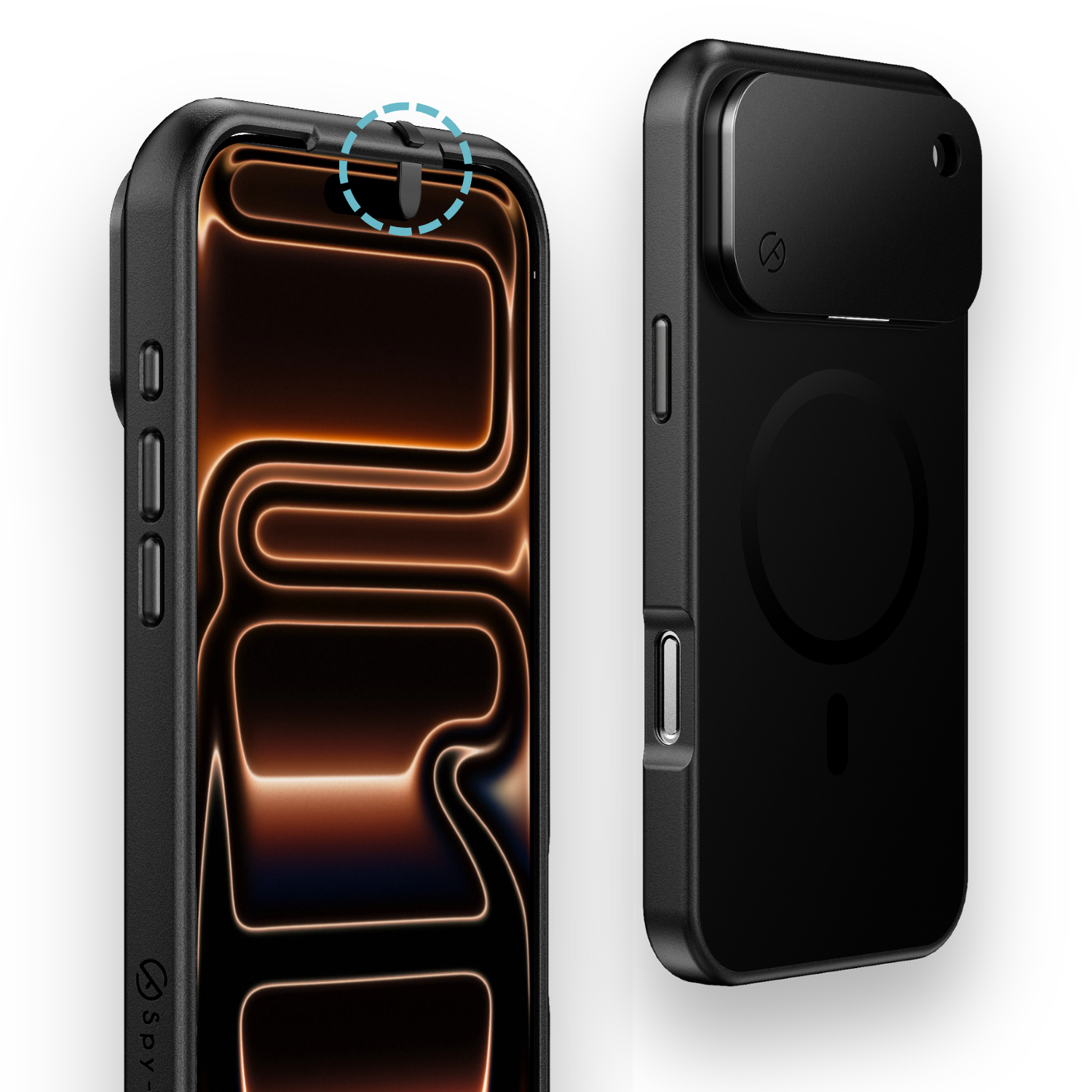
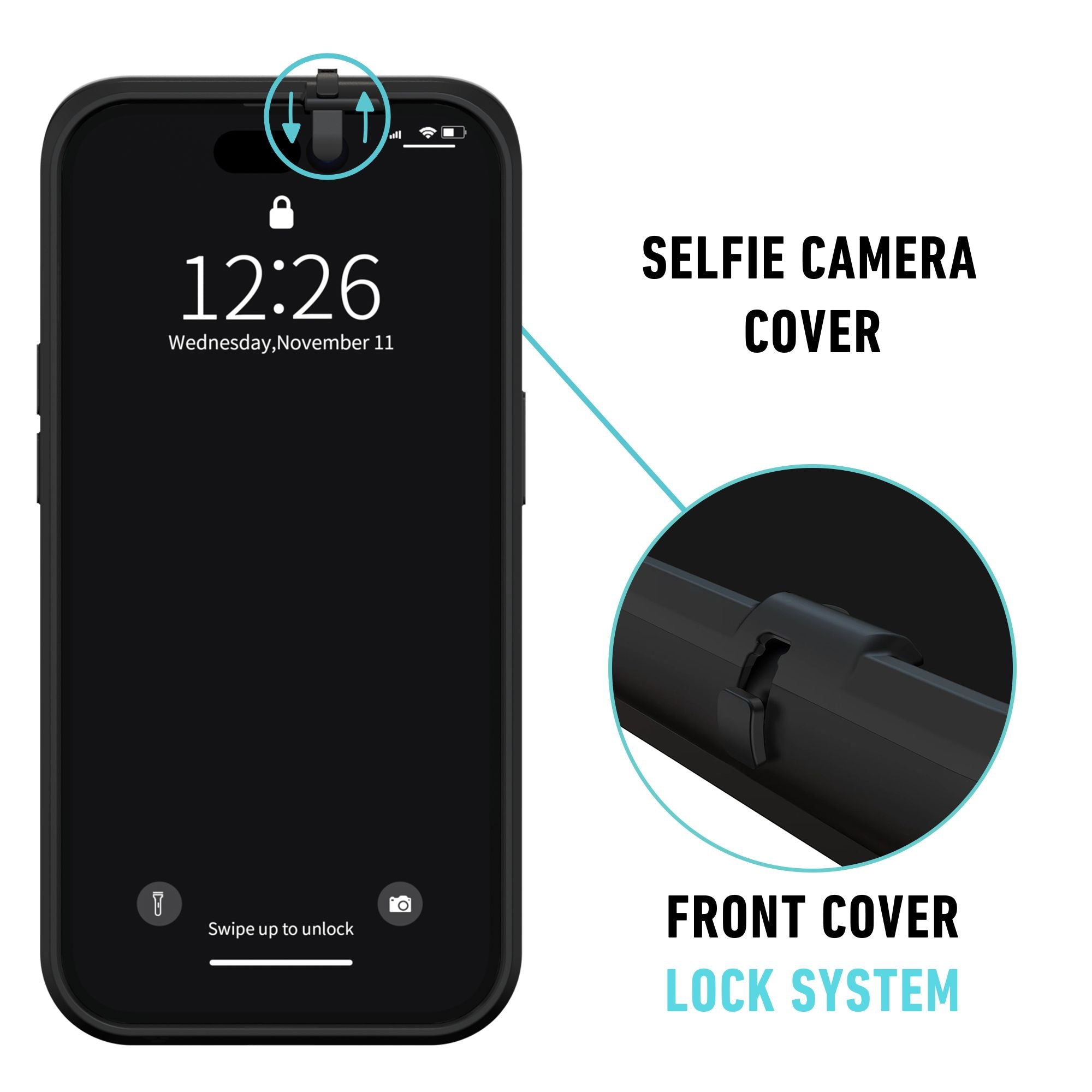
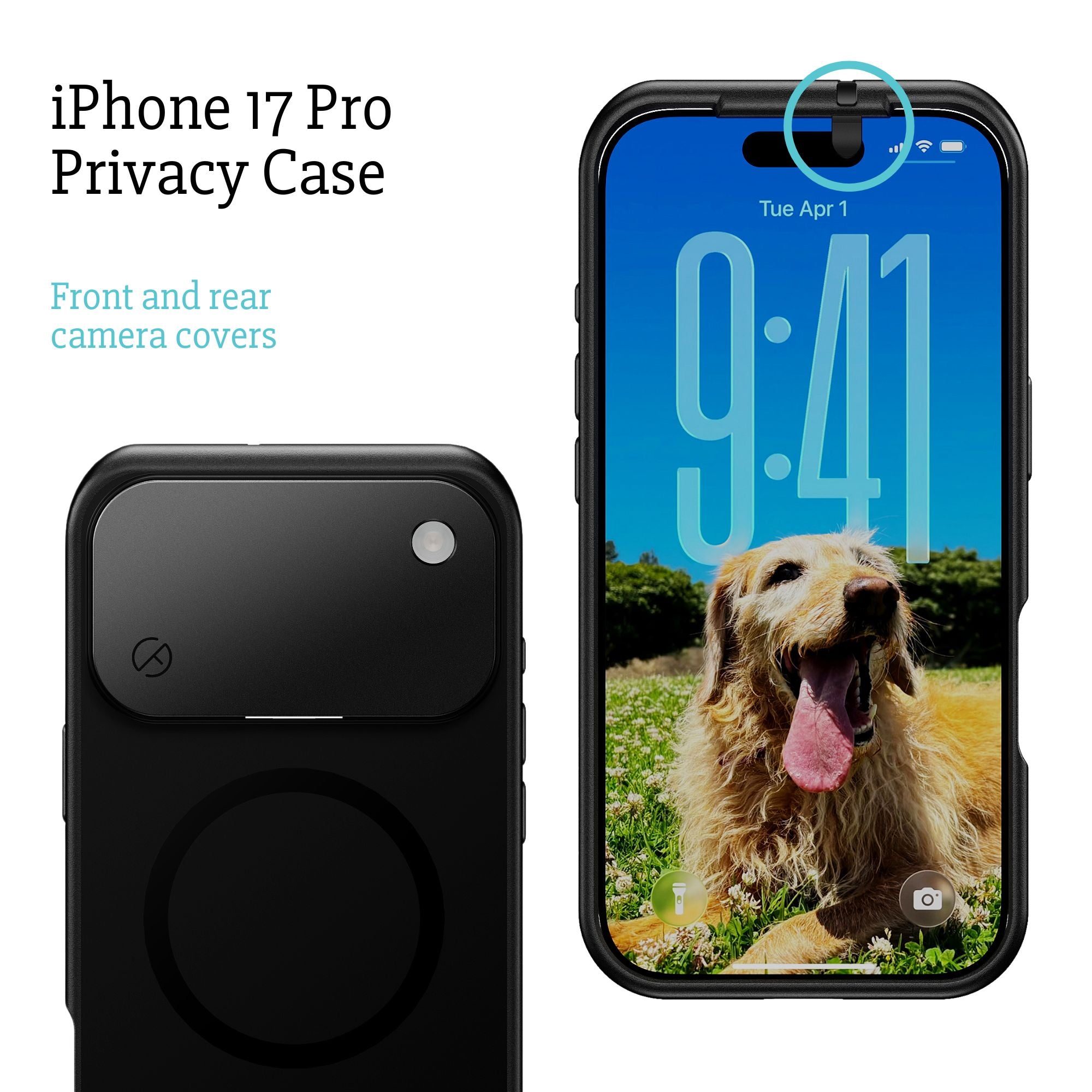
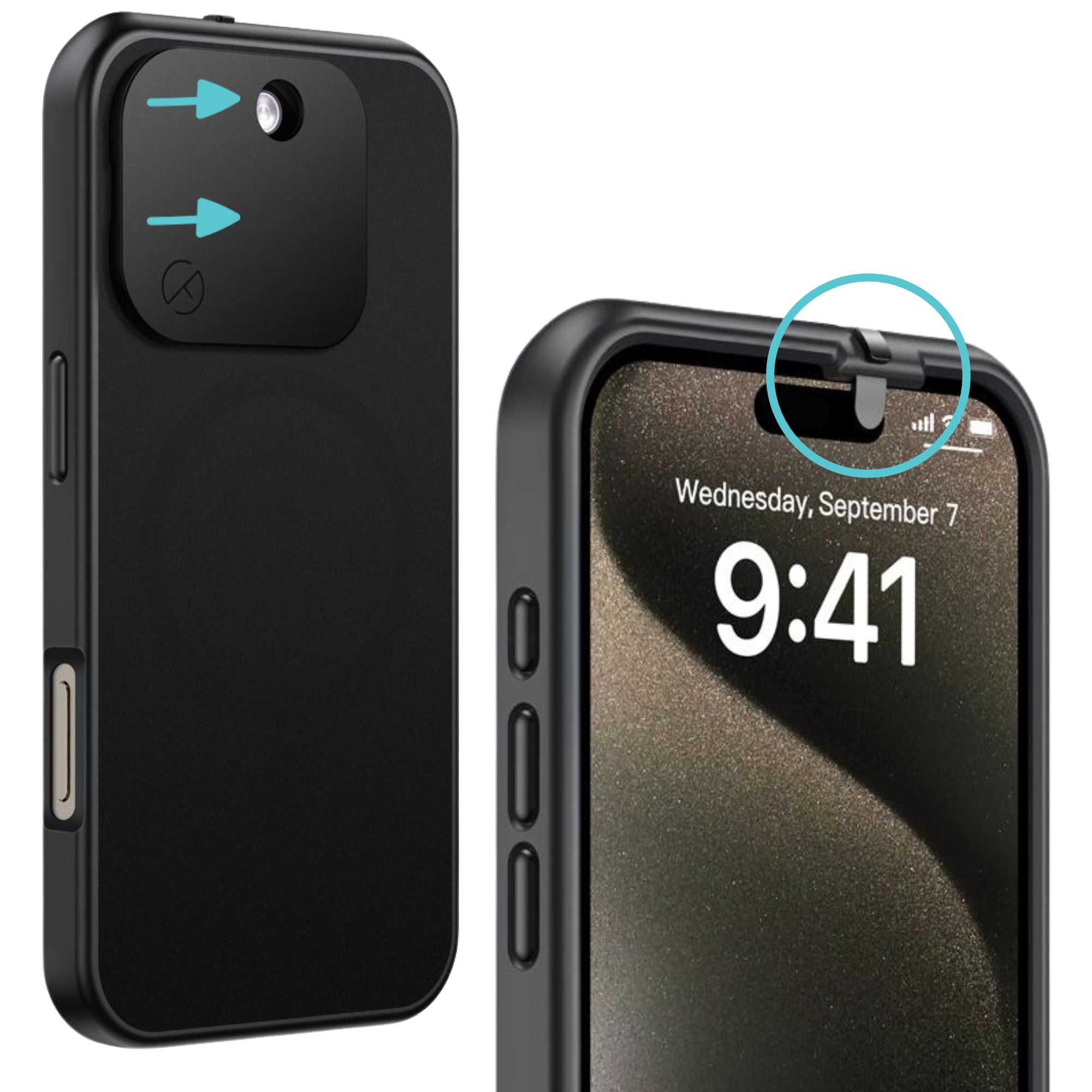
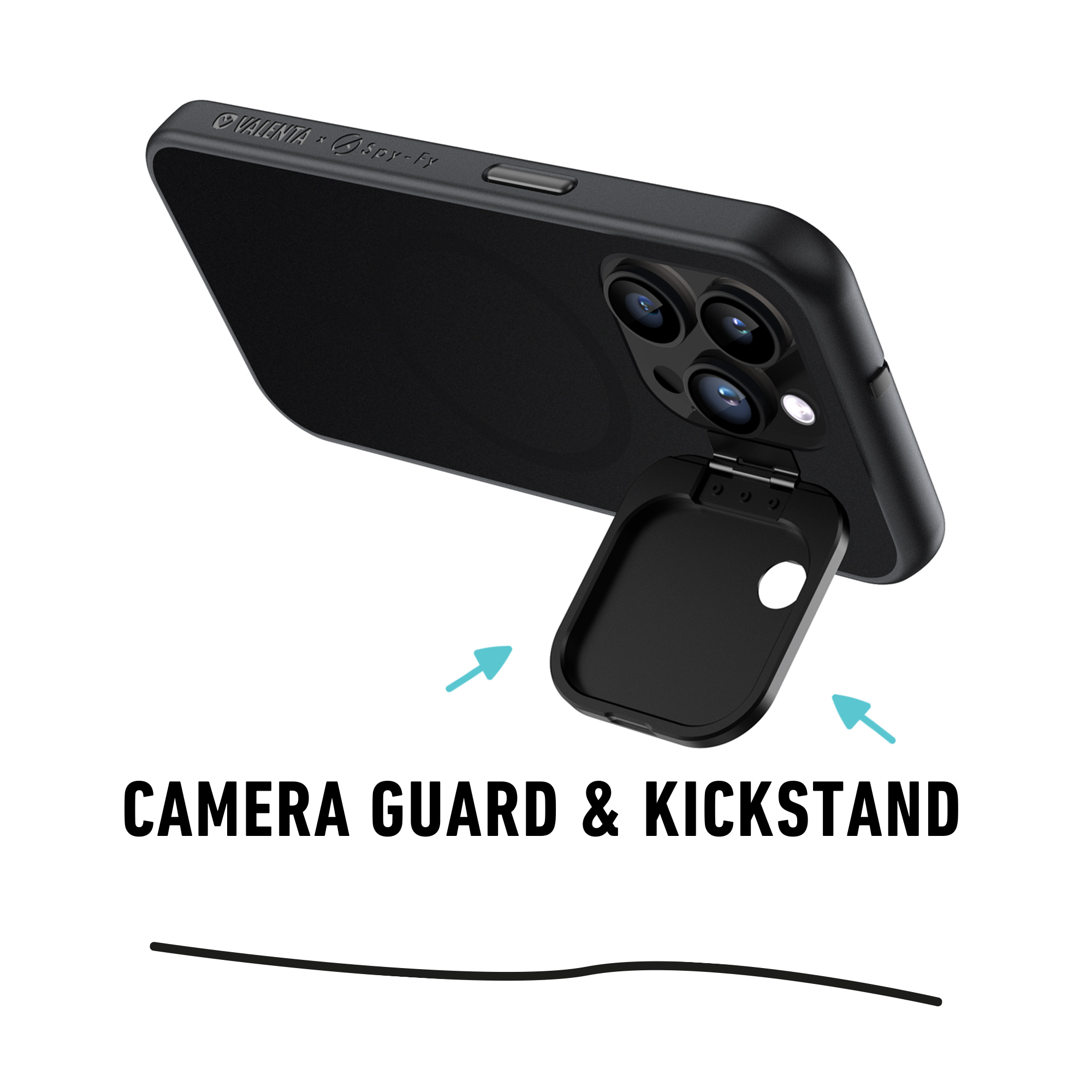
Camera and microphone access at the hardware level. Even with all protections enabled, an app you have granted camera permission to can still use the camera. And in the event of a novel exploit, no software setting fully guarantees the lens is inactive. A physical cover is the only method that cannot be bypassed by code. The iPhone 17 privacy case with sliding camera covers addresses this at the hardware layer, with covers for both front and rear lenses that you control manually.
USB juice jacking at public charging stations. Lockdown Mode does block accessory connections when the phone is locked, which helps. But if you unlock your phone to check something while charging in an airport or hotel, that protection lifts. A USB data blocker for iPhone physically prevents data pins from connecting, so only power flows regardless of what state your phone is in.
Lockdown Mode as one layer in a real defense
The right way to think about Lockdown Mode is as one layer in a defense stack, not a complete solution. Layered security works because different threats require different countermeasures. Software hardening addresses code-based attacks. Account security addresses credential-based attacks. Physical controls address hardware-level surveillance and in-person access.
A journalist covering a hostile government might combine Lockdown Mode, a hardware security key for the Apple ID, a privacy case with camera covers to block shoulder surveillance in cafes and hotels, a USB data blocker for travel charging, and an RFID blocking wallet to protect contactless credentials and access cards. Each addresses a threat the others cannot.
For executives and lawyers, the same stack applies with different emphasis. Attorney-client privilege depends on the assumption that conversations are private. A compromised camera during a video call with a client can undo years of careful discretion. A physical cover over the lens is a low-cost answer to a question that software cannot fully resolve.
The bottom line
Lockdown Mode is a serious, targeted defense against the small class of attacks used by state-sponsored actors and mercenary spyware vendors. If you are in a role where those threats are realistic, turn it on and accept the trade-offs. If you are not, keeping standard iOS security up to date and applying good password hygiene will serve you better than the friction Lockdown Mode introduces.
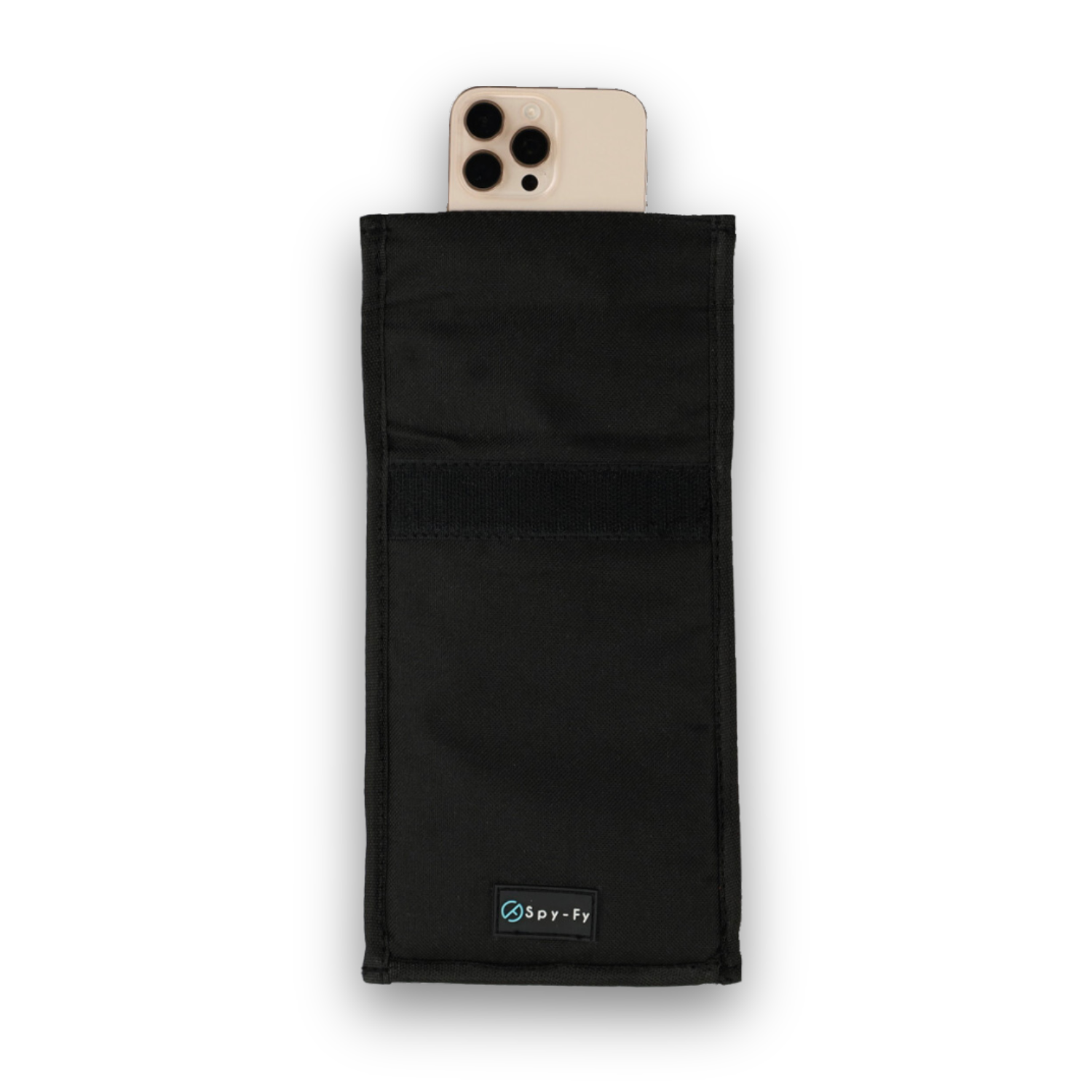
Either way, remember that software settings can only defend against software attacks. For the hardware-level surveillance risks that no operating system can fully close, camera access, malicious charging cables, RFID skimming, physical countermeasures do the work software cannot. Explore the full Spy-Fy privacy case collection to see how professionals in journalism, law, healthcare, and government pair software hardening with physical privacy controls.